
How to fill color for png image?
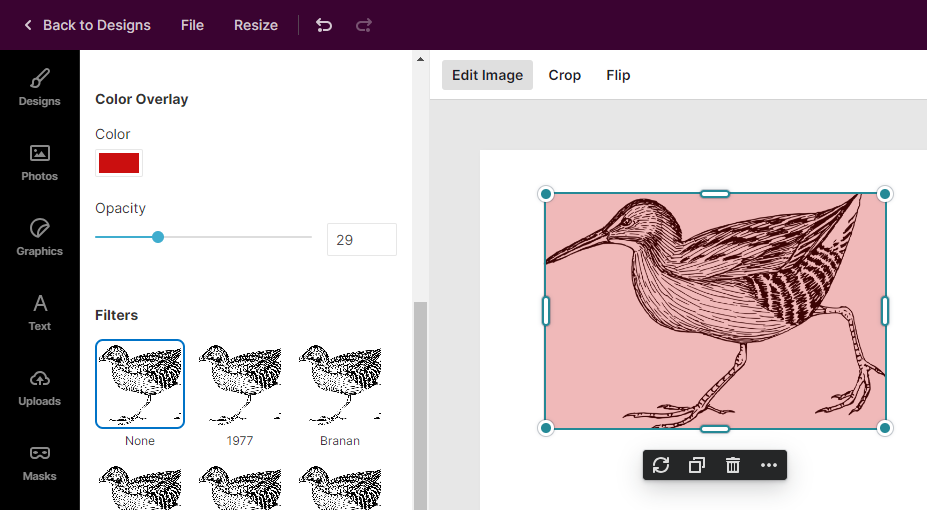
For jpg images, you can use Color Overlay feature to overlay image with color. For png images, this may not be the effect you intend to achieve since the transparent background is colored as well.
Using Mask to fill color
An unconventional approach is to convert png image to mask and then use fill color feature for mask.
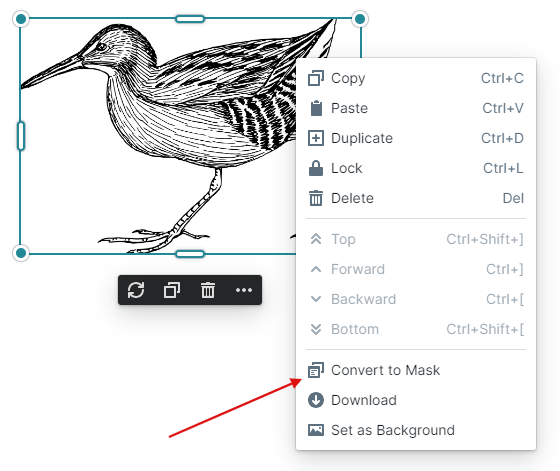
First, right click on image element and Convert to Mask.
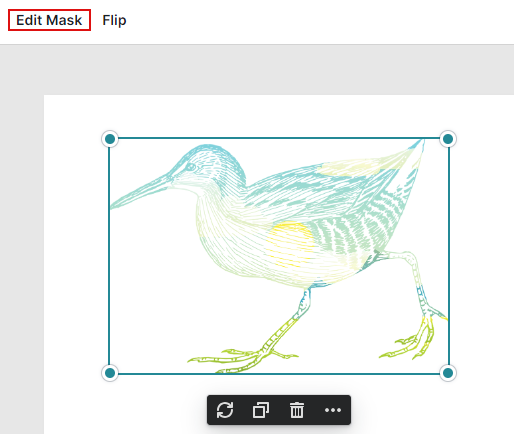
This is how it looks as a mask. Next, select Edit Mask.
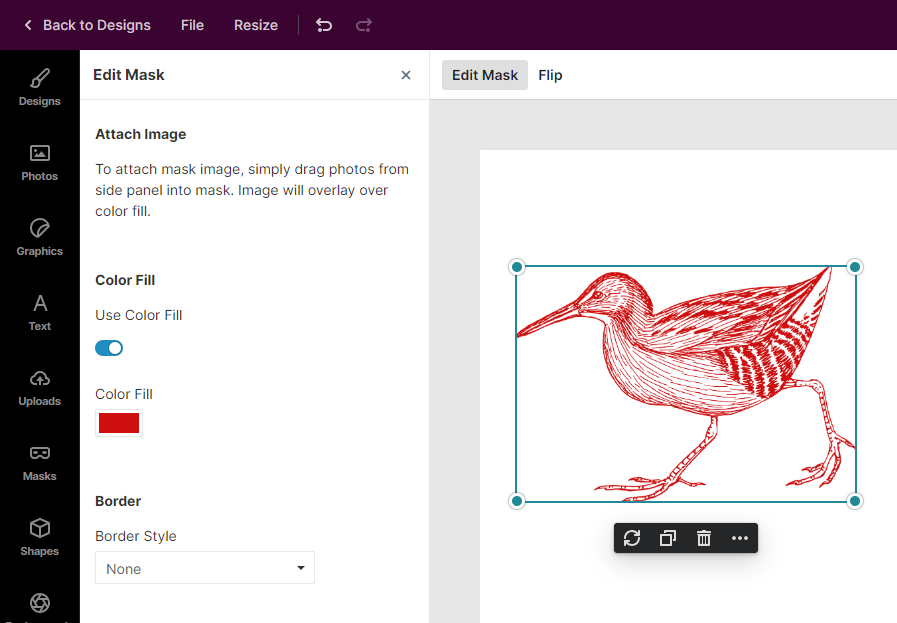
From Edit Mask side panel, turn on Color Fill to set color for mask. Tada! This approach allows you to fill color for png image without distorting the transparent background.